Graphic Designing Course in Patiala
Learn Graphic Design by working on real projects and getting hands-on experience
Advantages of Graphic Designing Course from CAIM
We offer hands-on instruction that teaches students how to use professional graphic design tools and techniques. Our Graphic Designing course is perfect for people who are just starting, students, freelancers, and business owners who want to learn the foundations of graphic design and improve their creative talents. You will learn how to make logos, social media graphics, ads, posters, banners, and whole brand designs in this course.
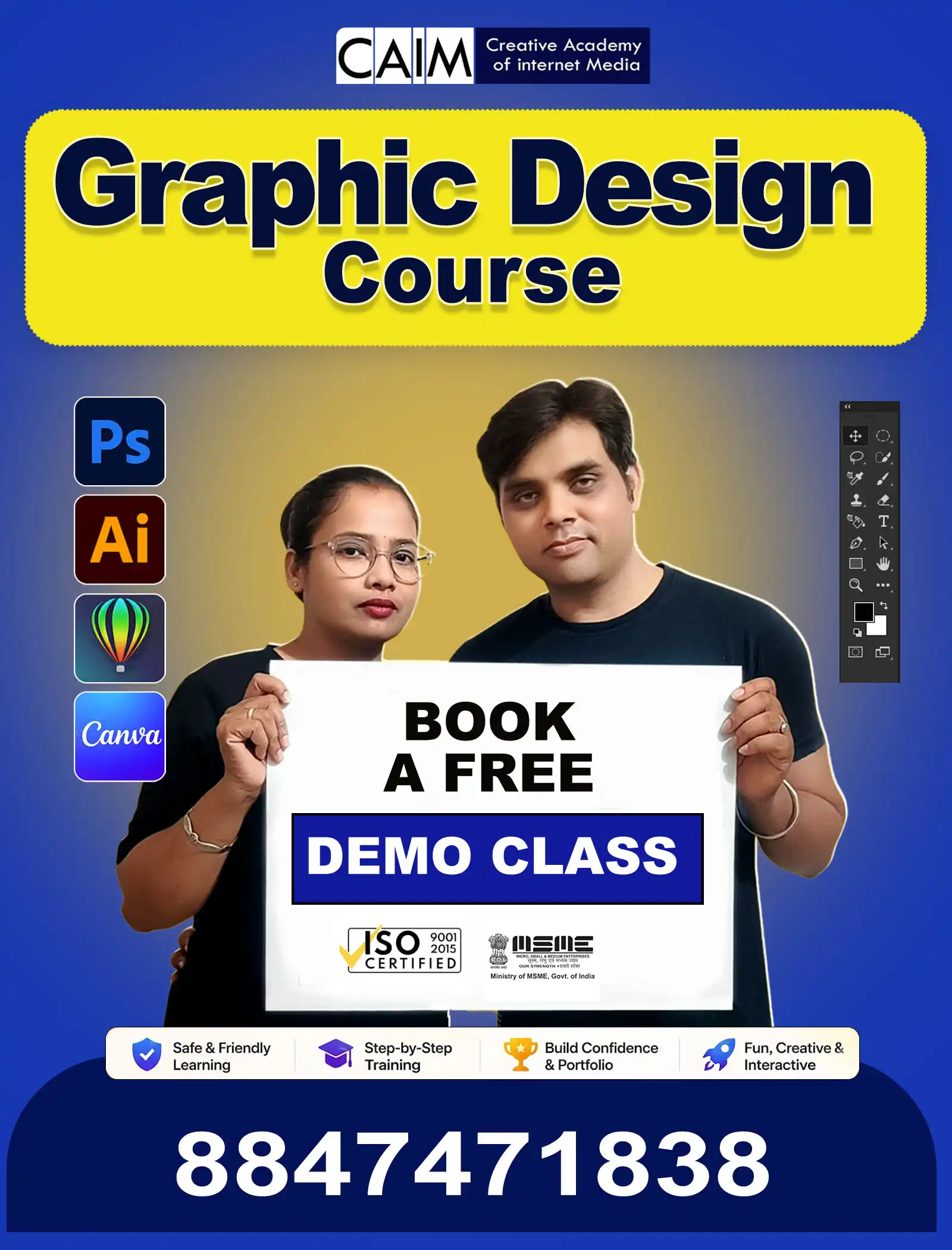
We teach Adobe Photoshop, Adobe Illustrator, CorelDRAW, and Canva as part of our Diploma in Graphic Designing course. We offer structured instruction with hands-on projects and experienced help if you’re looking for graphic design programs in Patiala.
Why graphic design is a great career
Graphic design is a career that is developing and has openings in many fields. Every business requires creative images for their websites, social media, marketing, and advertising these days. Companies, agencies, and startups all need skilled graphic designers because of this need. You can work as a graphic designer, logo designer, social media designer, or advertising designer once you master graphic design. A lot of experts also choose to work as freelancers and have clients from all over the world. You can be creative and have a steady job as a graphic designer. Designers can obtain lucrative jobs and long-term growth if they have the necessary talents and a solid portfolio.
Graphic Design Diploma: An Overview of the Course
The Creative Academy’s Diploma in Graphic Design is a hands-on curriculum that helps students improve their creative and technical talents. The course lasts between three and five months, during which time students get structured training and work on real projects. Students learn how to use Adobe Photoshop, Adobe Illustrator, CorelDRAW, and Canva to make logos, posters, ads, and graphics for social media. Along with learning how to use software, students also learn about fundamental ideas like colour theory, typography, and layout composition. During the course, students build a professional portfolio. They get a graphic design certificate after finishing the course, which helps them get jobs in the design field.
Why You Should Take Our Graphic Design Course in Patiala
A lot of schools teach design, but our program is different since it focuses on hands-on learning and real projects.
- Practical Training: Students do real design work, such as making posters, logos, social media graphics, and ads.
- Industry Software Training: You will learn how to use major design programs like Adobe Photoshop, Adobe Illustrator, CorelDRAW, and Canva.
- Portfolio Development: Each student makes a design portfolio during the course to assist them get jobs and do freelancing work.
- Beginner-Friendly: This is a beginner-friendly course, so anyone who has finished 10th, 12th, or college can join.
- Personalised Attention: We keep the class size small so that trainers can offer each student their full attention.
What You Will Learn in Our Graphic Design Class
This Graphic Designing course in Patiala teaches students how to use the software tools and creative design principles that are employed in the field. Students will learn how to communicate visually, use typography and typefaces, and arrange and compose things. The curriculum also goes into great detail about branding and logo design, image editing and manipulation, and social media design. In addition, students will learn how to create print materials and make ads.
The Course Outline for Graphic Design
Our course includes all you need to know to be a skilled designer. There are four main software tools that are part of the training.
1. Patiala’s Adobe Photoshop Course
Graphic artists use Adobe Photoshop a lot. In this lesson, students learn how to edit photos, change them, make posters, and create art.
- Week 1: Foundations & Interface: Students learn about the Photoshop workspace and interface, how to set up a document, and how to save and export files. Training includes learning how to use selection tools (both uniform and non-uniform), how to improve selection approaches, and how to use transform tools like perspective, warp, distort, and vanishing point. It also has the crop tool, the frame tool, the slice tool, the eraser tools, the brush tools, the painting tools, the clone stamp tool, the blur, sharpen, and the mixing brush.
- Week 2: Design Theory: The focus changes to the basics of design, colour theory, colour psychology, and colour harmonies. Students learn about many types of fonts and the principles of typography. They also learn about composition strategies, including the rule of thirds and the golden ratio, framing techniques, camera angles, and how to employ light and shadow.
- Week 3: Vector & Manipulation: You’ll learn about the pen tool for vector design, layers and window panels, text tools, and vector shapes. This step teaches you how to design posters, align them, use the edit, view, and option menus, and manipulate images and mask layers.
- Week 4: Advanced Editing: You’ll learn about adjustment layers, photo grading techniques, filters and effects, and blending modes. Students also learn how to make GIFs, animate timelines, work on projects and assemble artworks.
2. Course on Adobe Illustrator
People use Adobe Illustrator to make vector designs and work on commercial branding initiatives. Students learn how to make logos, illustrations, and unique vector art in this class.
- Week 1: Tools & Document Setup: You’ll learn about the Illustrator interface, workspace, panels, toolbars, and document settings. Students learn how to save and export files, make forms that are the same size, use artboards, selection tools, vector design essentials, the pen tool, shape builder, and pathfinder tools.
- Week 2: Transformation & Gradients: The tools are the transform tools, brush tools, slice tools, shaper tools, and rotate and scale tools. Students also learn how to use the width tool, perspective design, gradient and mesh tools, the auto trace feature, and several editing options.
- Week 3: Branding & Illustration: The syllabus includes the blend tool, swatches and patterns, symbols, and how to come up with ideas. Students learn how to make logos, banners, posters, and other types of illustrations and vector art.
- Week 4: Professional Design: All about effects options, view options, and window and appearance panels. It also talks about object tools, print and packaging design, mockups, and product design and positioning.
3. Course in CorelDRAW in Patiala
People use CorelDRAW a lot to make print media, ads, and flex designs. The CorelDRAW interface and workspace, drawing and shape tools, object handling and alignment, and color fill and outline tools are some of the things that will be addressed. Students learn how to use text tools and typography, how to import images and use PowerClip, and how to make logos, icons, business cards, flyers, posters, banners, and flex designs. Training also covers things like print setup, PDF export, and portfolio preparation, as well as effects like shadow, transparency, and blend. This lesson helps students make designs that are ready to be printed.
4. Training with Canva
Canva is a great tool for making graphics for social media, marketing, and short design projects. While making social media posts, Instagram creatives, YouTube thumbnails, business presentations, and marketing banners, students will learn how to use Canva and its templates. The module also covers resume design, brand kits, and various export and sharing options.
Who Can Join and What Jobs Are Available
People who are interested in creative design can take our Graphic Design lessons in Patiala. This includes students who have finished 10th or 12th grade, college students, freelancers, social media managers, digital marketers, business owners, and anybody else. You don’t need any design experience to do this.
Students can work in a lot of creative fields after finishing the course. Some examples are:
- Graphic Designer
- Logo Designer
- Social Media Designer
- Advertising Designer
- Branding Designer
- Print Designer
- UI Graphic Designer
- Freelance Graphic Designer
Portfolio Development and Certification
Making a portfolio is one of the most significant things we do in our Diploma in Graphic Designing course. Students will make logos, posters, social media graphics, business cards, banners, ads, and ideas for branding. A strong portfolio helps students get jobs or freelance clients. Students who finish the course get a graphic design diploma from the Creative Academy of Internet Media. This certificate shows that you have real-world design skills and can help you get jobs, internships, or advanced graphic design certificate programs.
Take the Best Graphic Design Course in Patiala
Our Graphic Designing course in Patiala is the best place to start if you wish to work in a creative field. Students learn the skills they need for the design business by getting hands-on experience using Adobe Photoshop, Adobe Illustrator, CorelDRAW, and Canva. The Creative Academy of Internet Media teaches students how to learn by doing, establish a portfolio, and design professionally. Today is the day to start your journey to become a professional graphic designer.
Frequently Asked Questions (FAQs)
You learn Photoshop, Illustrator, CorelDRAW, Canva, design principles, typography, colour theory, logo design, poster design, and practical graphic design projects.
Students after 10th or 12th, college students, freelancers, and business owners interested in design can join this Graphic Designing course.
Yes, students receive a graphic design certificate after completing the diploma in graphic Designing and successfully finishing all practical projects.
Students learn Adobe Photoshop, Adobe Illustrator, CorelDRAW, and Canva during the course, which are widely used tools in graphic design.
Students can work as graphic designers, logo designers, social media designers, advertising designers, or start freelancing with clients.