
Our Patiala photo editing course is for students, photographers, freelancers, and studio owners who want to learn how to edit wedding and portrait photos like an expert. You will acquire advanced skills in this course, such as photo retouching, cinematic colour grading, AI background manipulation, and full portrait editing.
This isn’t simply a theory. In our photo editing classes in Patiala, students edit genuine wedding and pre-wedding session photos. You will learn how professional studios edit their work from start to finish.
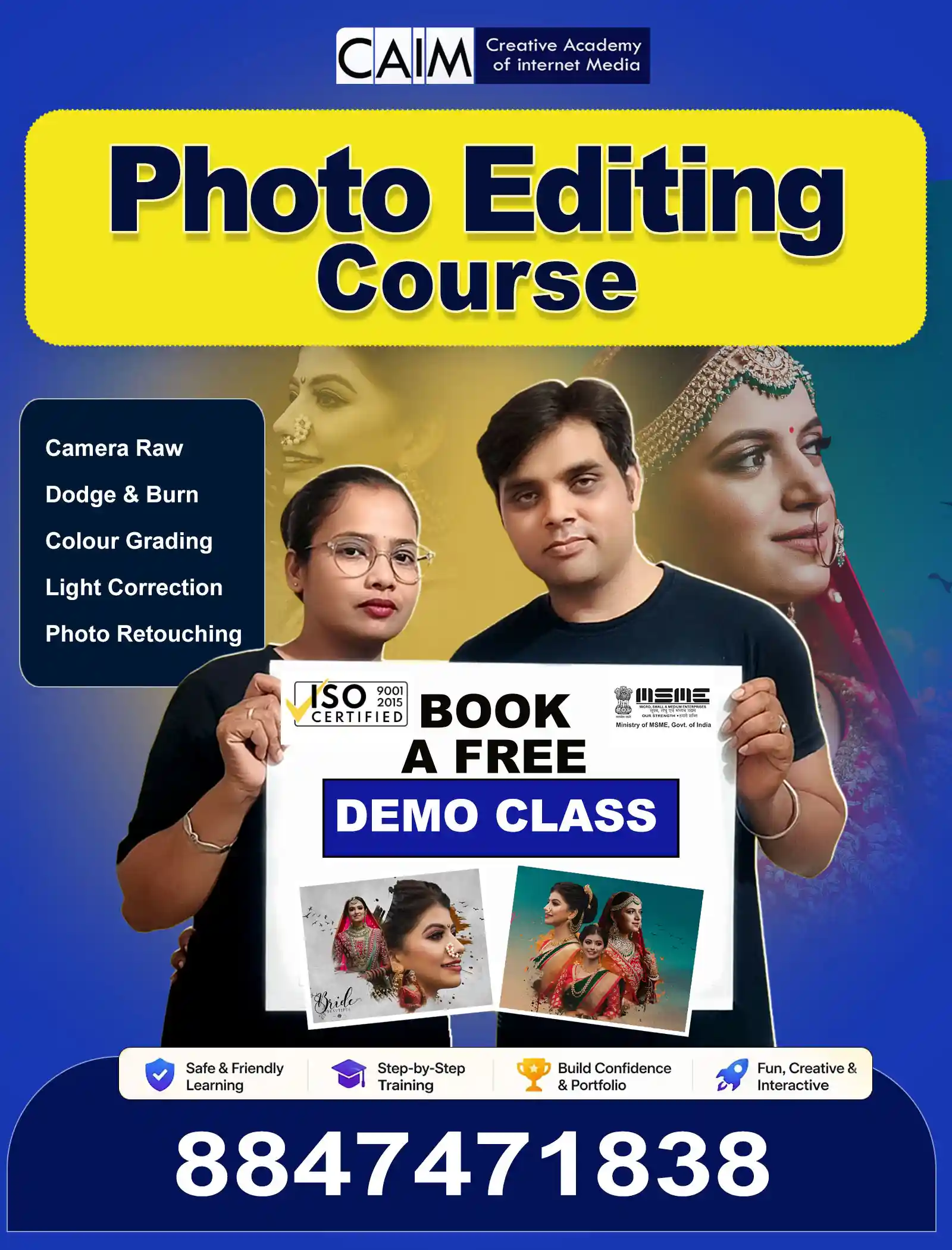
In just two months, you can learn how to edit photos like a pro.
Every day, the wedding photography business takes thousands of pictures, and there is always a need for expert editors. Our photography editing course shows you how to use modern editing tools to turn regular photos into beautiful, high-quality images.
In this class, you’ll discover sophisticated ways to edit photos, fix skin, adjust colours, and change the mood of a photo. By the end of the course, you’ll have a strong portfolio that will help you get freelance work, work with studios, or even establish your own editing firm.
There is a rising need for skilled picture editors, especially in the wedding photography business. Every wedding shot makes hundreds or even thousands of pictures that need to be edited by a pro.
Our picture retouching and photo manipulation courses will teach you the same skills that professional studios utilise.
✔ 100% hands-on training on real wedding projects
✔ Learn how to retouch and manipulate high-end photos
✔ Practice editing with professional tools
✔ Build a strong portfolio during the course
✔ Learn how to change the background and atmosphere with AI
✔ Understand how professional photographers work
1. Editing Photos
Learn how to get rid of blemishes, smooth out your skin naturally, and bring out your facial features while keeping the textures genuine.
2. Colour Correction and Colour Grading
Learn how expert photographers use cinematic tones, change the exposure, and balance the colours to get the same results every time.
3. Editing Skin and Full Portraits
Learn how to apply portrait retouching techniques for wedding and couple portraits.
4. How to Use Overlays the Right Way
Learn how to improve pictures by using overlays like light leaks, dust effects, and imaginative textures.
5. Changing the Atmosphere
Use extensive editing tools to make dramatic skies, beautiful backgrounds, and movie-like moods.
Getting Started with Photoshop
Learn how to use layers, masks, and other important tools with great confidence from day one.
Editing Camera Raw
Before opening Photoshop, change the exposure and white balance of uncompressed files to see hidden details.
Adjusting Colours and Tones
Fix lighting problems, adjust shadows, and turn boring pictures into beautiful works of art that capture the eye.
Workflow for Professionals
Organise your files, use keyboard shortcuts to make editing faster, and work on big editing tasks quickly and easily.
Retouching Skin (Natural Look)
Get rid of imperfections and smooth out skin textures while keeping natural pores for perfect, magazine-quality photos.
Cleaning up and replacing the background
Learn how to chop out people and things and move them into other digital spaces without any problems.
Removing Objects
Take out things you don’t want from images while keeping the textures natural.
Creative Colour Grading
Learn about colour theory and how to set the mood for different projects in movies.
Editing for the Movies Before the Wedding
Change the lights outside and the skies to make lovely, romantic photos.
Quick Bulk Wedding Editing
Learn how to edit hundreds of wedding images rapidly using professional batch editing methods.
High-Quality Couple Portraits
Do high-end retouching on pictures of the bride and groom to make their jewelry, clothes, and other elements look better.
Improving Candid Emotions
Make underexposed or quickly taken wedding pictures better so they tell a story.
Send properly optimised pictures for Facebook, Instagram, wedding albums, and big prints.
1. Camera Raw Editing
Before you launch Photoshop, learn how to get the most out of RAW data. Get back lost information in highlights and shadows, restore the white balance, and set up the perfect editing base.
2. Photo Colour & Light Correction
Learn how to change the exposure, get rid of color casts, and balance the light for natural skin tones and bright pictures.
3. Dodge & Burn Techniques
Learn how to use the same high-end techniques that fashion and beauty photographers use to add depth and bring out face characteristics.
4. Professional Retouching
Learn how to apply advanced retouching and frequency separation techniques that the best studios employ.
5. AI Background Change
Use new AI capabilities to quickly remove backdrops and replace them with realistic ones.
6. Wedding & Pre-Wedding Retouching
Quickly edit big wedding albums while keeping the color grading the same.
7. Advanced Camera Raw & Colour Grading
With advanced color grading tools, you can make your own unique editing style.
8. Enhancement and sharpening
Make little features in eyes, jewelry, and textures stand out more while lowering noise.
9. Photoshop Tips & Tricks
Find out about the secret features, blending modes, automation actions, and shortcuts that skilled editors employ.
10. Social Media & Print Ready Images
Get high-quality pictures ready for wedding albums, internet marketing campaigns, and social media sites.
Once you finish our photo editing course in Patiala, you’ll be ready to work in the photography and digital media industries as a professional.
1. Open Your Own Photography Studio
Learn the technical skills and gain the confidence you need to open your own studio.
2. Offer Editing Services for High Prices
Offer excellent editing services for wedding photos, pre-wedding shots, and photos of products for sale.
3. Edit Photos Like a Pro
Learn how to use the tools and processes that professional photographers and digital marketing companies use.
4. Begin freelancing
Find out how to get clients and establish your own editing business.
5. Make a strong portfolio
Get real-world editing projects that show off your professional talents when you graduate.
6. Make High-Quality Pictures
Make photographs that are so beautiful that they stand out on social media and in ads.
7. Get More Creative Confidence
Be sure of your ability to handle any kind of editing project.
This class is perfect for:
You don’t need any editing skills to start. Our Patiala picture editing course is easy for beginners to start and learn one step at a time.
The wedding photography business is growing quickly, and there is always a need for skilled editors. You can start freelancing, collaborate with studios, or establish your own photography brand if you have the necessary training and portfolio.
Our picture editing class in Patiala will teach you the professional skills you need to do well in this field.
Sign up today for the Wedding & Pre-Wedding Photo Editing Course at the Creative Academy of Internet Media in Patiala if you want to learn more about editing and start a photography career.
In this course, you will learn professional editing techniques such as photo retouching, colour grading, portrait editing, background manipulation, skin retouching, and cinematic wedding photo editing. You will also work on real wedding and pre-wedding photos during the training.
The duration of the photo editing course in Patiala is 2 months. During this time, students receive practical training and work on real editing projects.
No prior photography or editing experience is required. This course starts with basic concepts and gradually moves to advanced editing techniques, making it suitable for beginners.
Yes. The course includes advanced photo manipulation techniques and a full photo retouching course module where you learn skin retouching, background replacement, object removal, and cinematic editing.
Yes. After completing the course, you can start freelancing as a photo editor, work with photography studios, or even start your own editing service or studio.